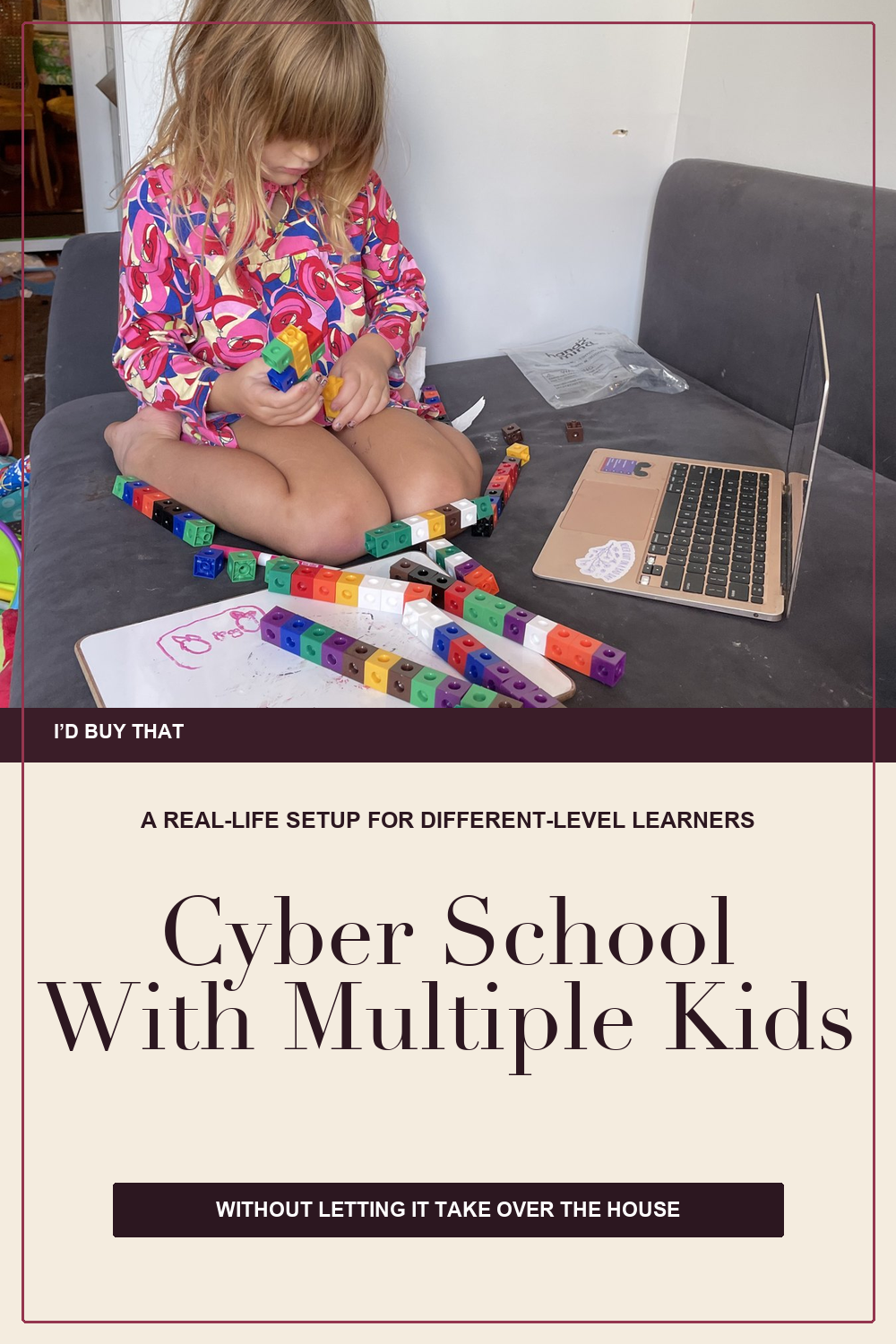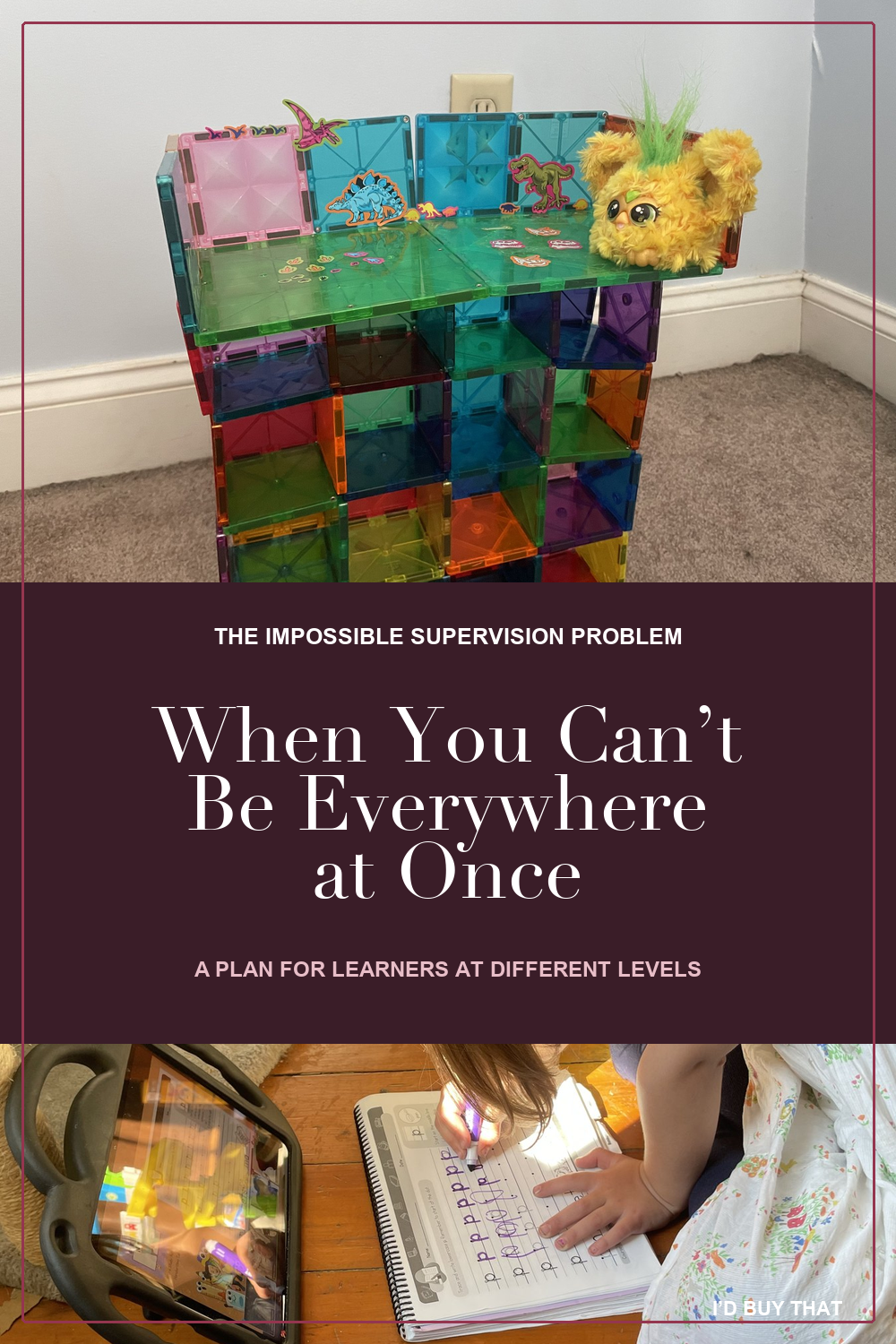

The hardest part of cyber school with multiple learners is not deciding where to put the desks. It is the impossible supervision problem. Put children with different ages, abilities, or support needs together and they may distract, aggravate, or perform for one another. Separate them and you cannot be in several places at once. Do each learner’s work in sequence and suddenly you are doing school all day.
Then there are the supplies. If everything is accessible, the glue sticks leave to make a cardboard castle and the colored pencils are nowhere to be found at 10:03. If everything is controlled by you, every class begins with someone asking you to fetch four things. A generous cyber-school shipment can quietly turn Mom into a full-time materials manager.
Primary-grade cyber school is genuinely labor intensive for the parent. That is not a confession of failure. Young children need help with time, transitions, technology, reading directions, and recovering when something goes wrong. The goal of a useful setup is not to pretend that labor disappears. It is to contain it so the family can keep the flexibility that made cyber school worth considering in the first place.
Start with the supervision problem, not the schoolroom
Before moving furniture or buying a cart, divide the day by the kind of adult attention each block really requires. Live instruction has different demands from a familiar practice page. A recorded lesson has different demands from a new math concept. Waiting for Mom is its own block and needs its own plan.
Use the real schedule, not the ideal one. If several learners need direct help at 10:00, the problem is not that one child refuses to be independent. The problem is that the schedule asks one adult to do several direct-help jobs at once.
When multiple learners need direct help at the same time, that is a schedule conflict. It is not proof that any child is lazy or that you are doing cyber school badly.
Choose the arrangement that fits the hard part of your day
No arrangement is morally superior. The best one is the arrangement that lets you see enough, hear enough, and help one child without leaving the other child in an open-ended void.
1. Together in a common area
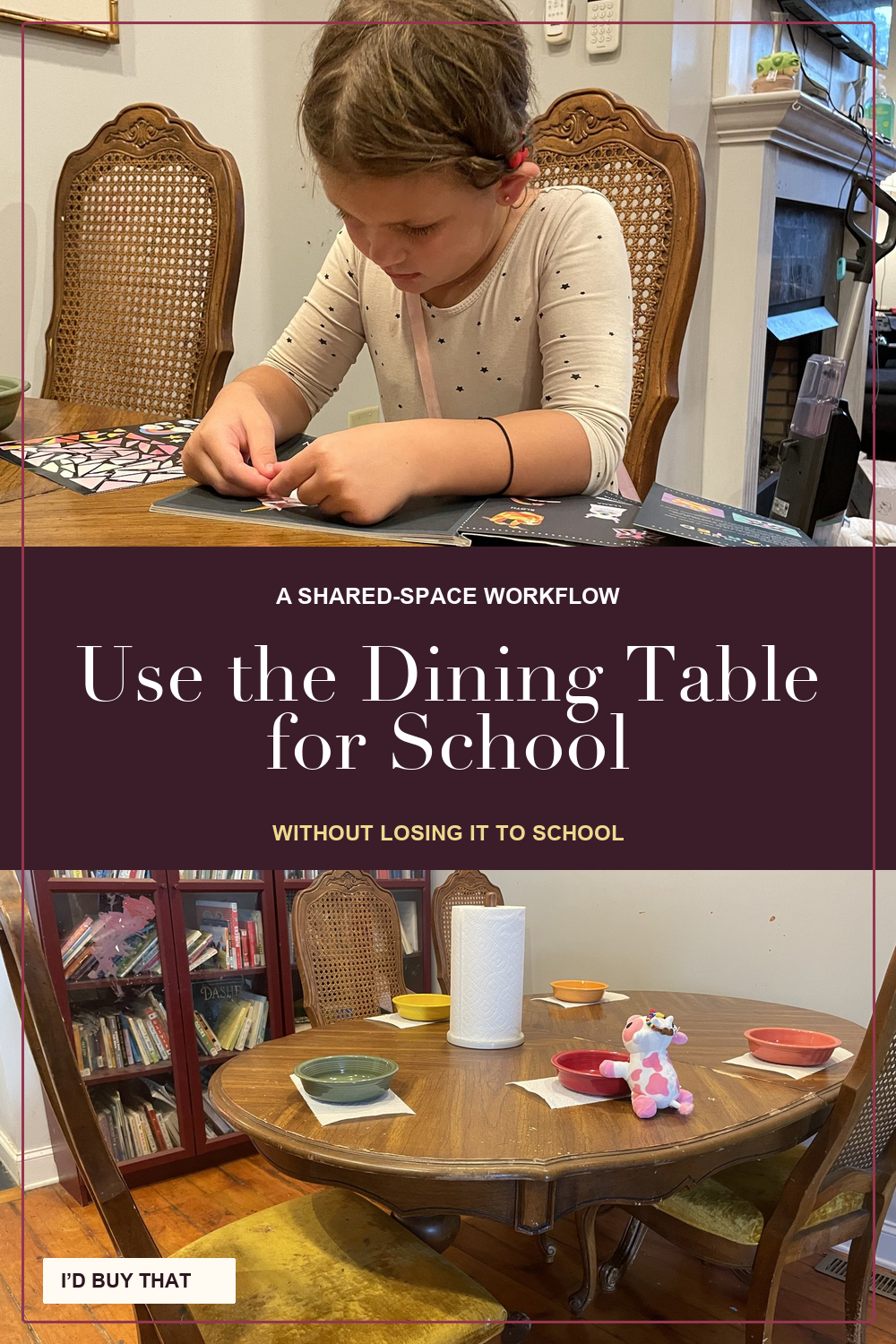
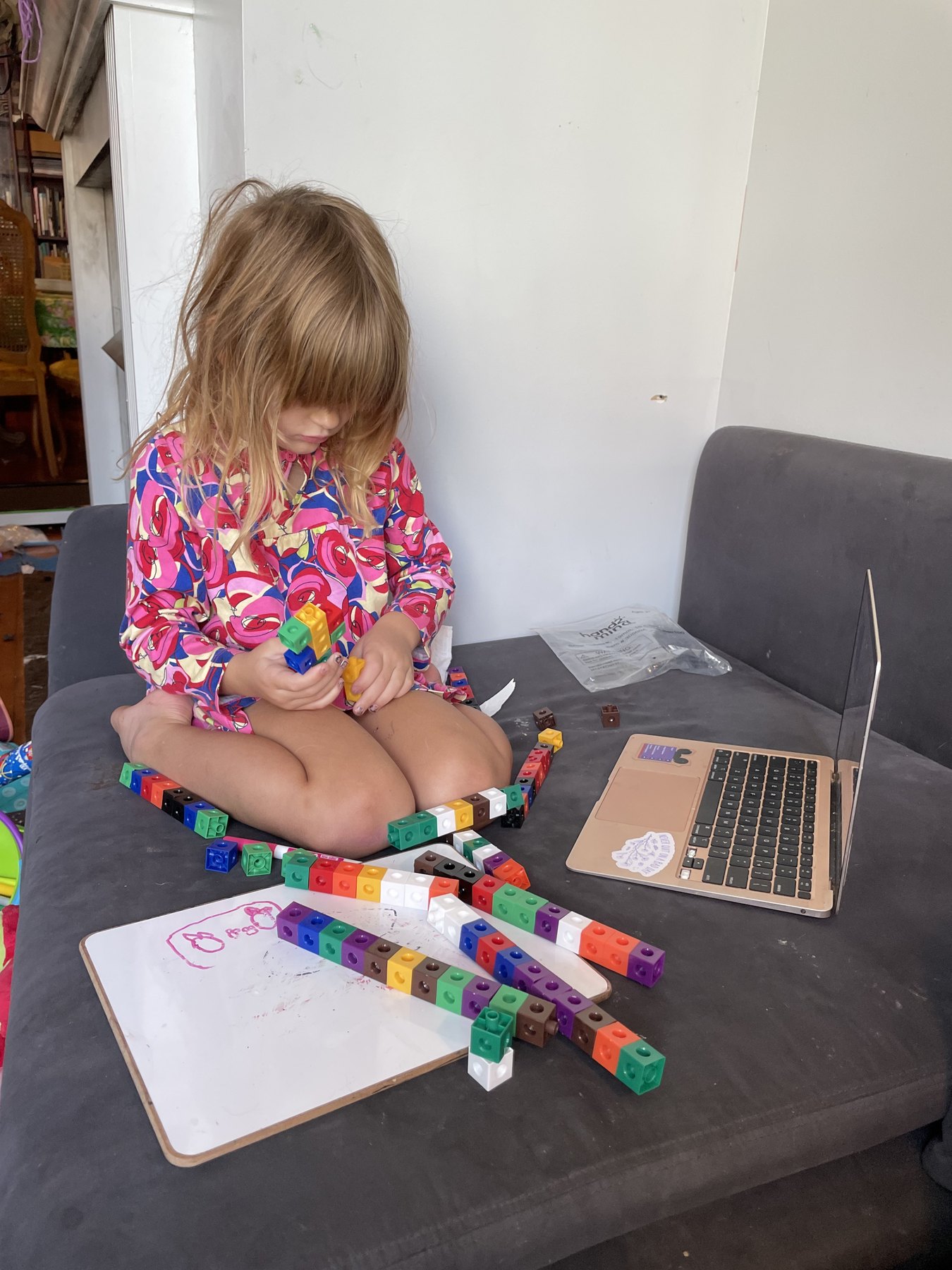
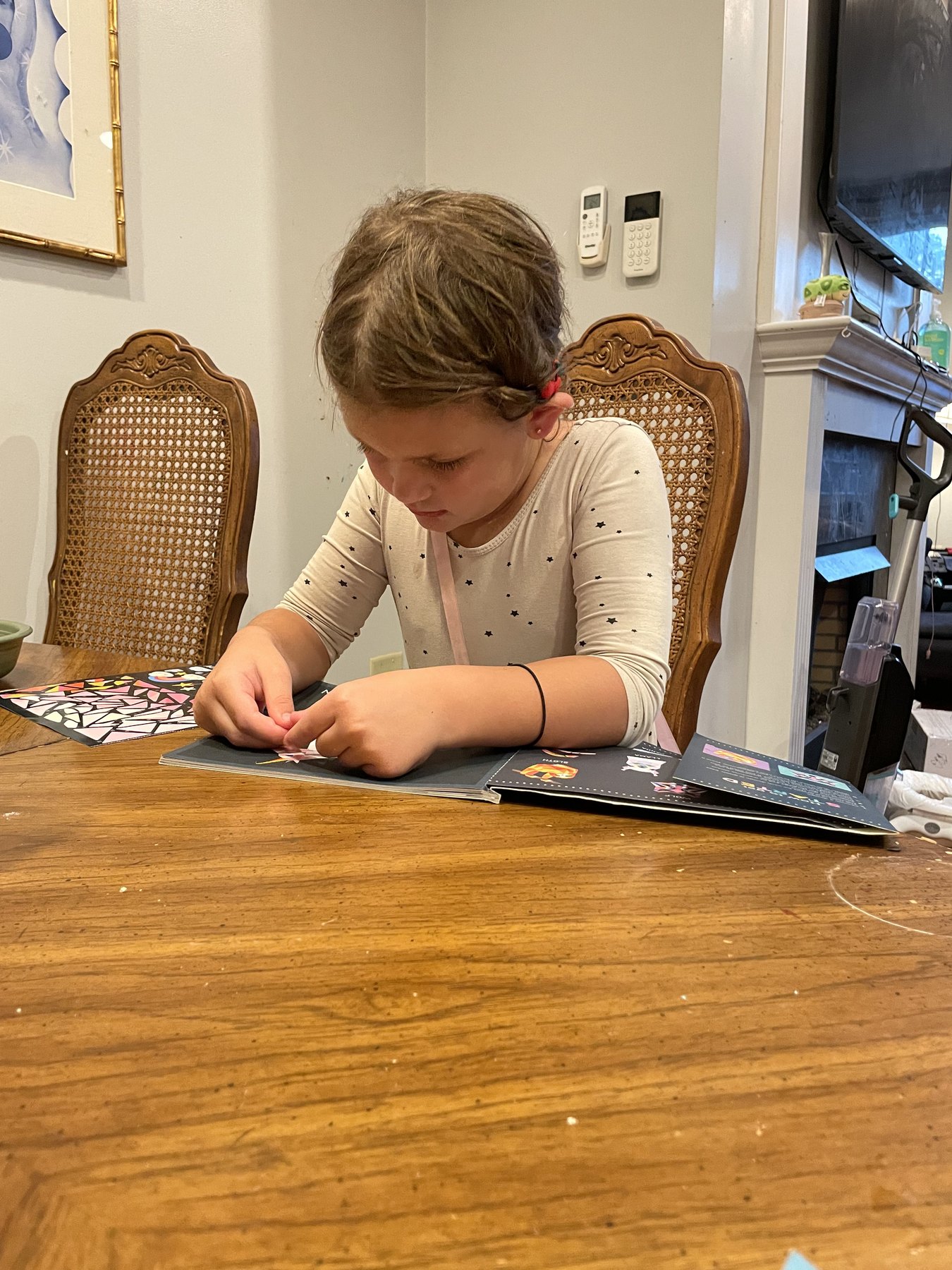
This works best for shared instruction, quiet parallel work, and homes where you need to supervise school while staying near the kitchen or a younger child. Put screens so the children do not face each other. Give each child a clearly bounded work surface and headphones for live classes.
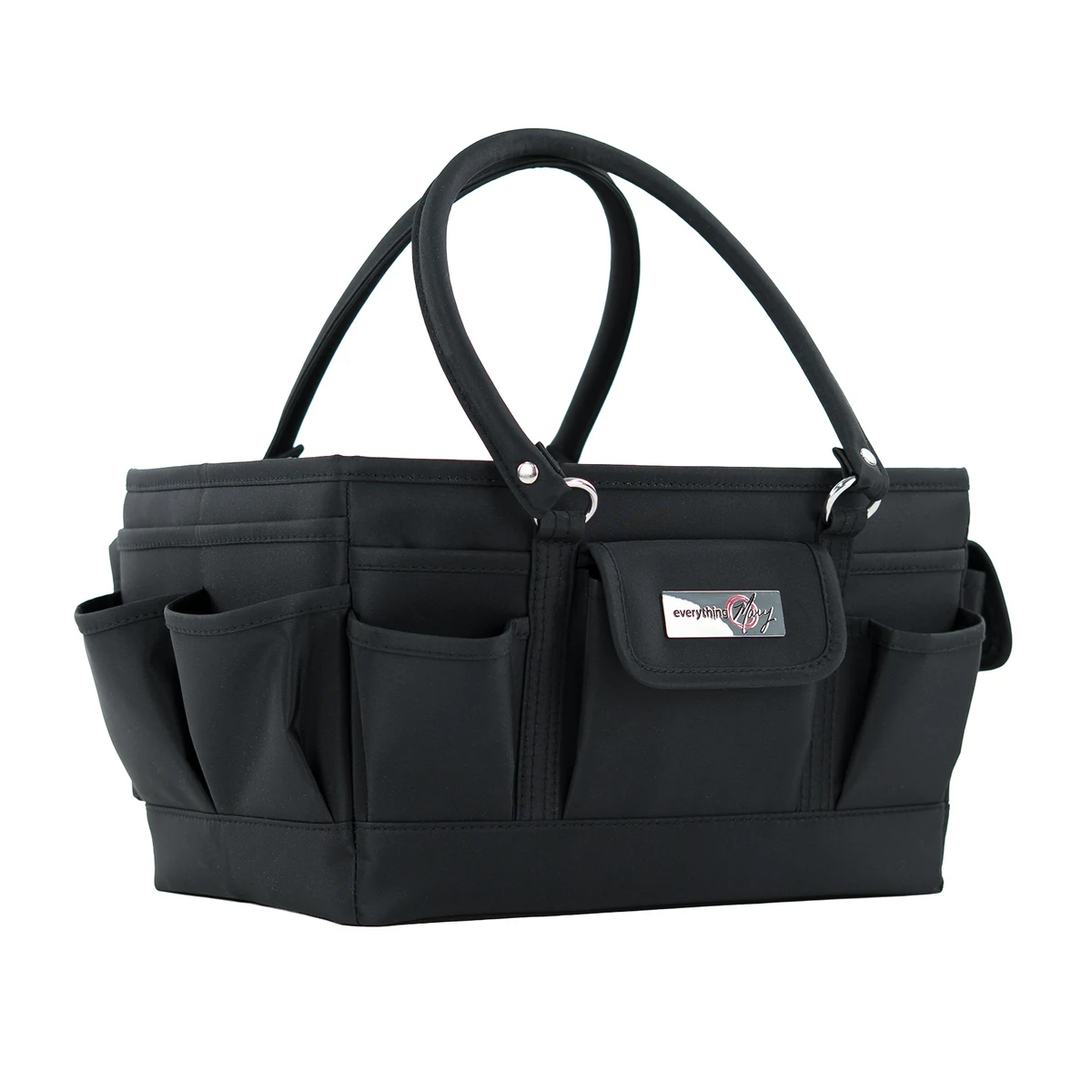
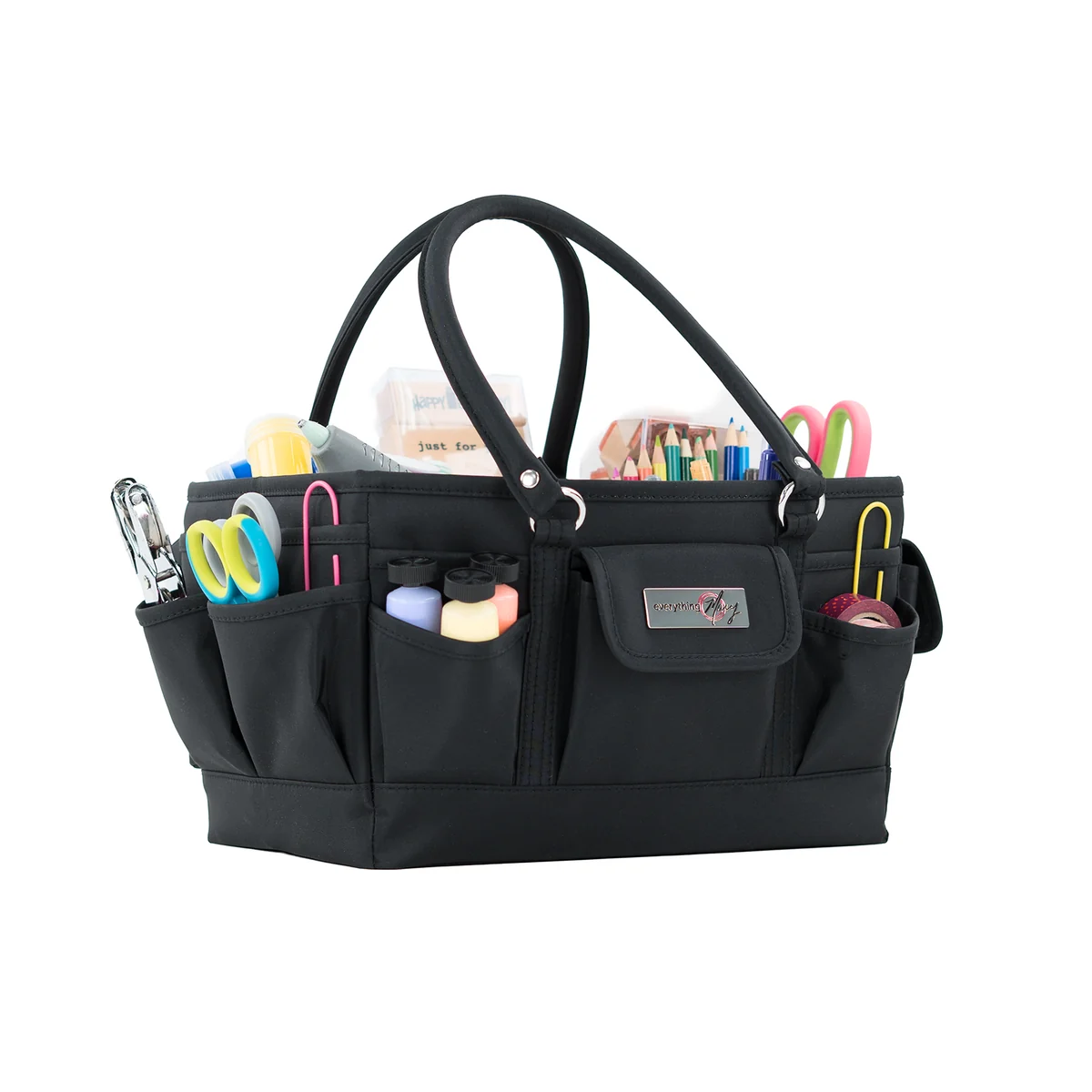
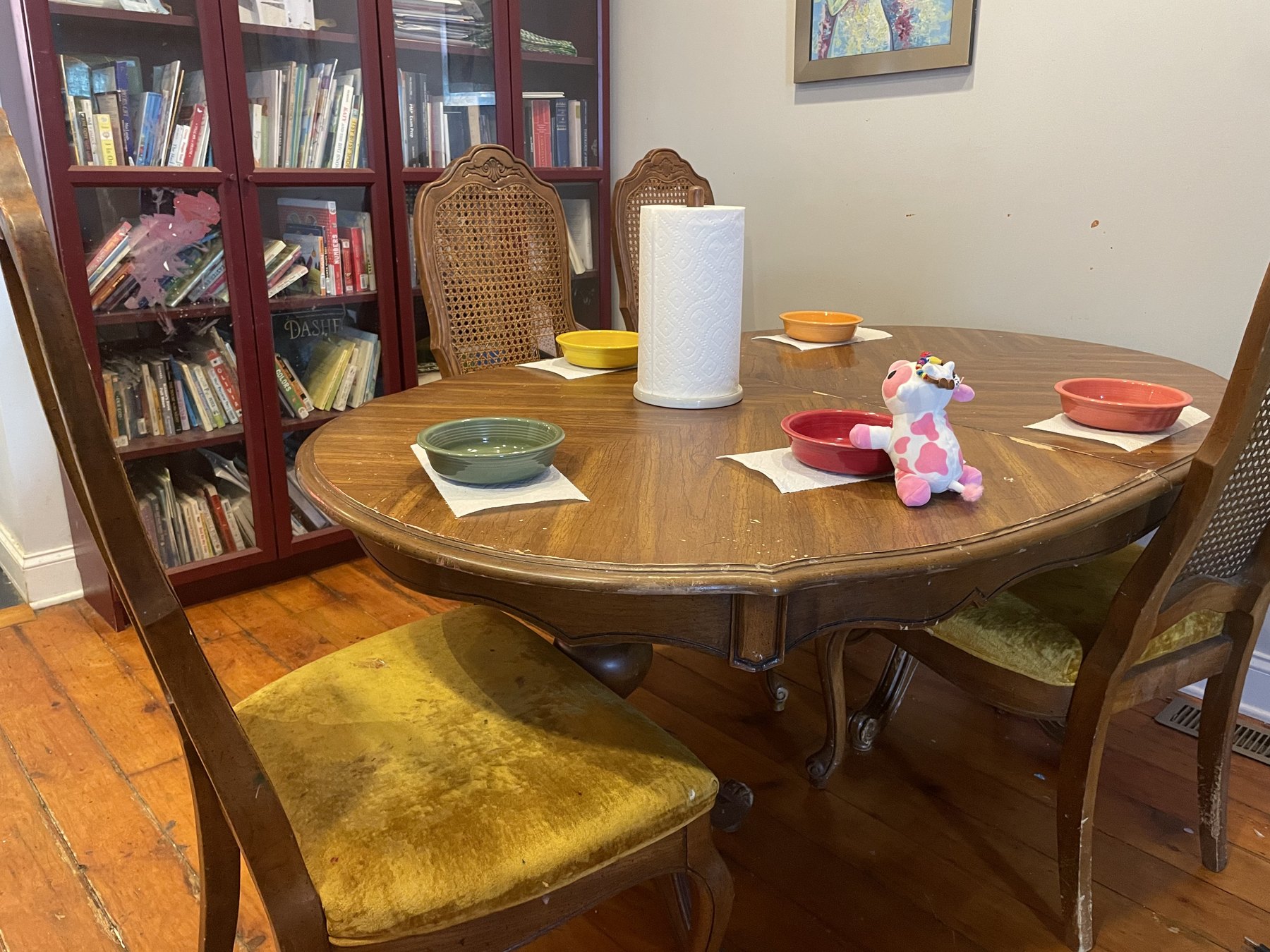
If the dining table is also where the family eats, the setup needs an exit route. Give each child one shallow case, tray, or handled pouch that can hold active work exactly as it is. At closing time, the whole place setting moves off the table in one piece. Without that workflow, every meal becomes a full materials reset, and the repeated clearing and rebuilding wears you down.
- Best for: one supervision point and easy transitions.
- Watch for: sibling performance, talking, touching, and camera interruptions.
- Change it when: most of your energy is going into keeping them from interacting.
2. Same room, separated inside it
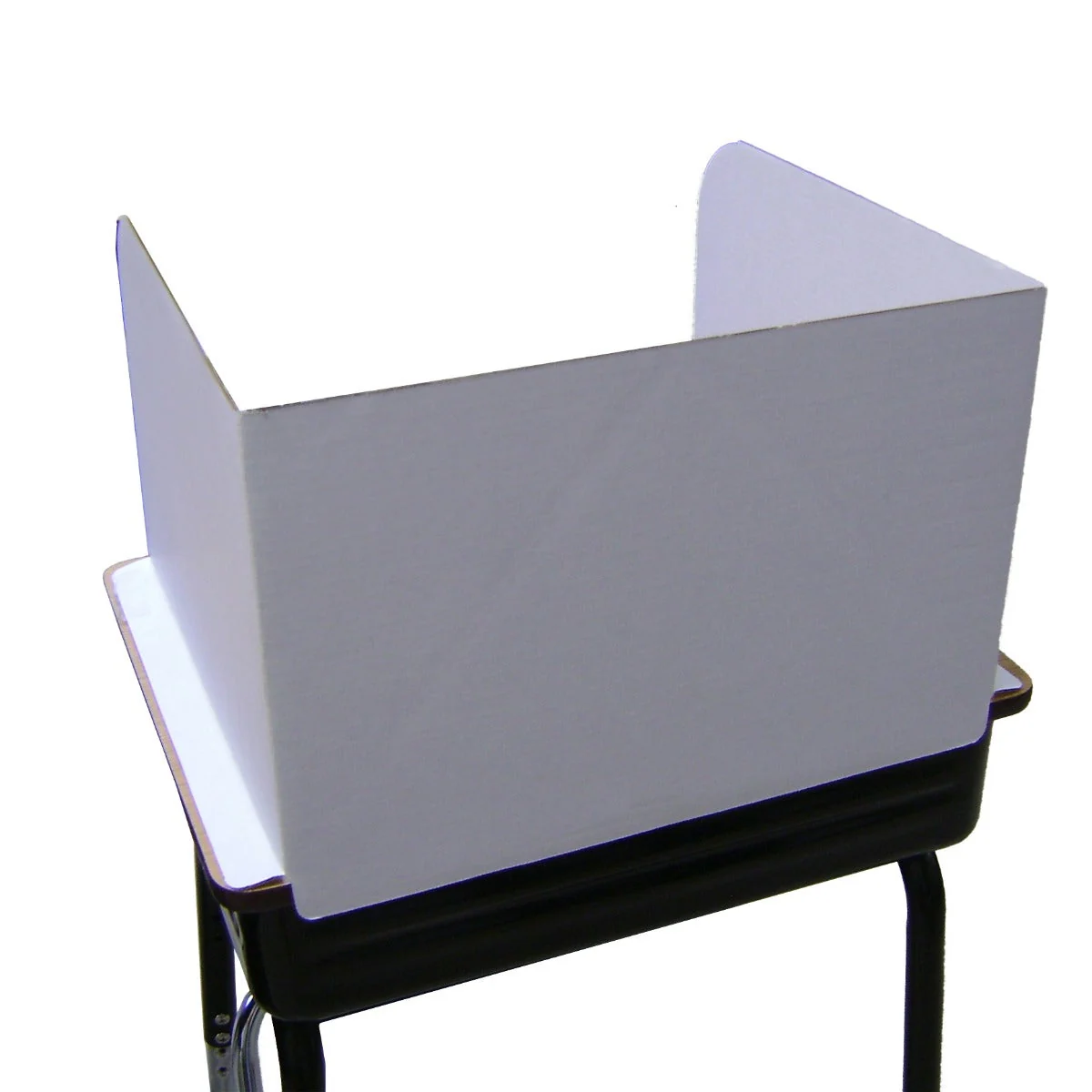
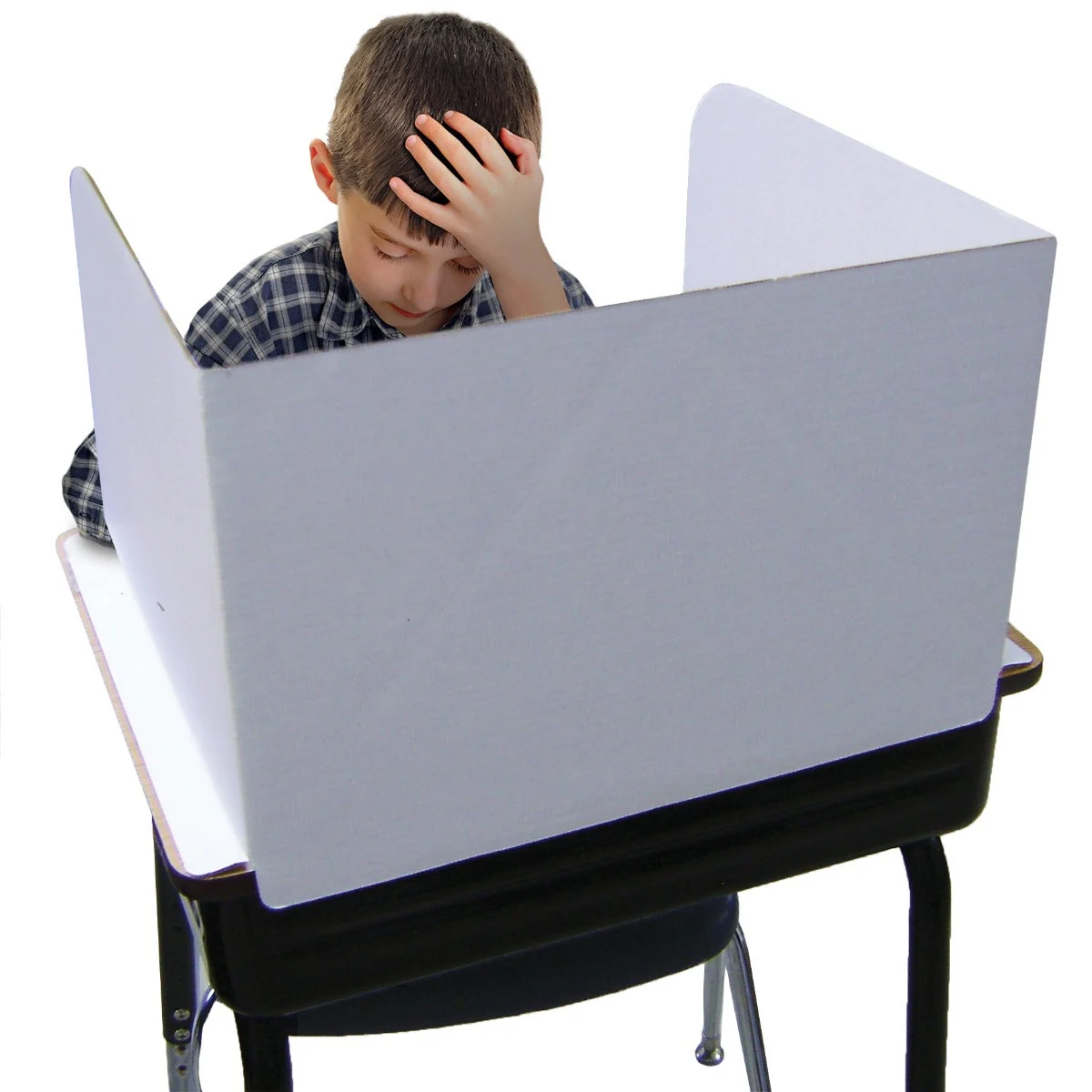
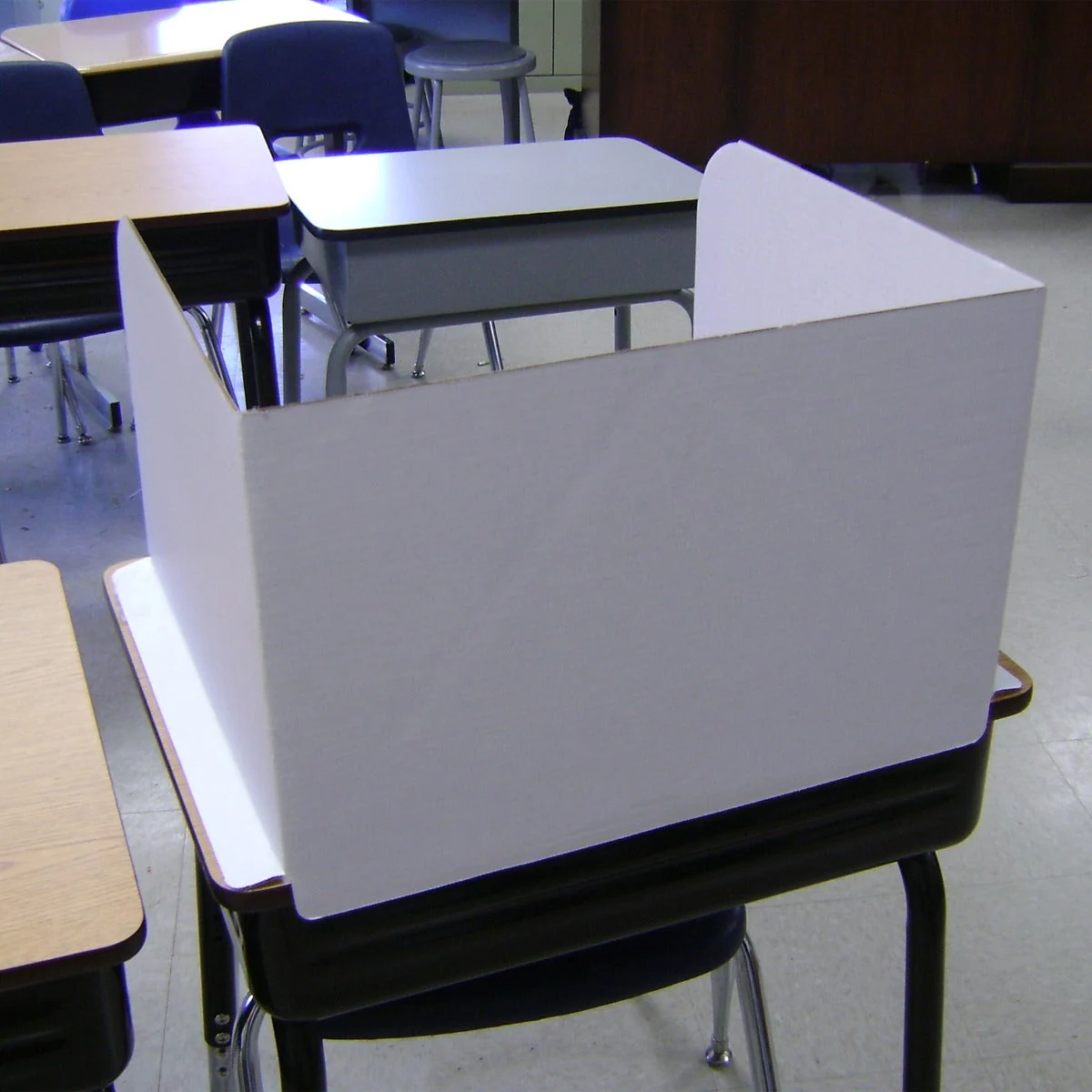
A bookcase end, tabletop dividers, opposite walls, or separate work spots around one common area can remove visual temptation without creating distant classrooms. You can still hear the devices and move between learners quickly.
- Best for: children who work well until they can see each other.
- Watch for: dividers that become toys or block your view.
- Change it when: the real distraction is sound, not sight.
3. Different rooms with one parent between them
Use this for overlapping live classes or children who cannot settle in the same space. Choose rooms close enough that you can hear a raised voice, then give the child you are not actively supervising a waiting task, timer, and a precise rule for when to interrupt.
- Best for: protecting live classes from sibling noise.
- Watch for: the unsupervised child quietly abandoning the assignment.
- Change it when: you spend the whole block patrolling.
4. A dedicated or out-of-the-way school space
A separate room can hold supplies and let school close at the end of the day. It is less helpful if it strands you away from the rest of family life or creates a place where one child can disappear from supervision.
- Best for: containing equipment, paper, and school mess.
- Watch for: distance from the place you actually need to be.
- Change it when: the room is organized but nobody can use it without you.
5. A staggered or hybrid day
Separate children for live classes, regroup for familiar work, and stagger the blocks that truly require you. This often fits real life better than declaring that everyone must stay together or apart all day.
- Best for: learners at different ages or ability levels with different live schedules.
- Watch for: staggered teaching that quietly stretches from breakfast to dinner.
- Change it when: the day no longer has a stopping time.
Build a waiting lane before anyone has to wait
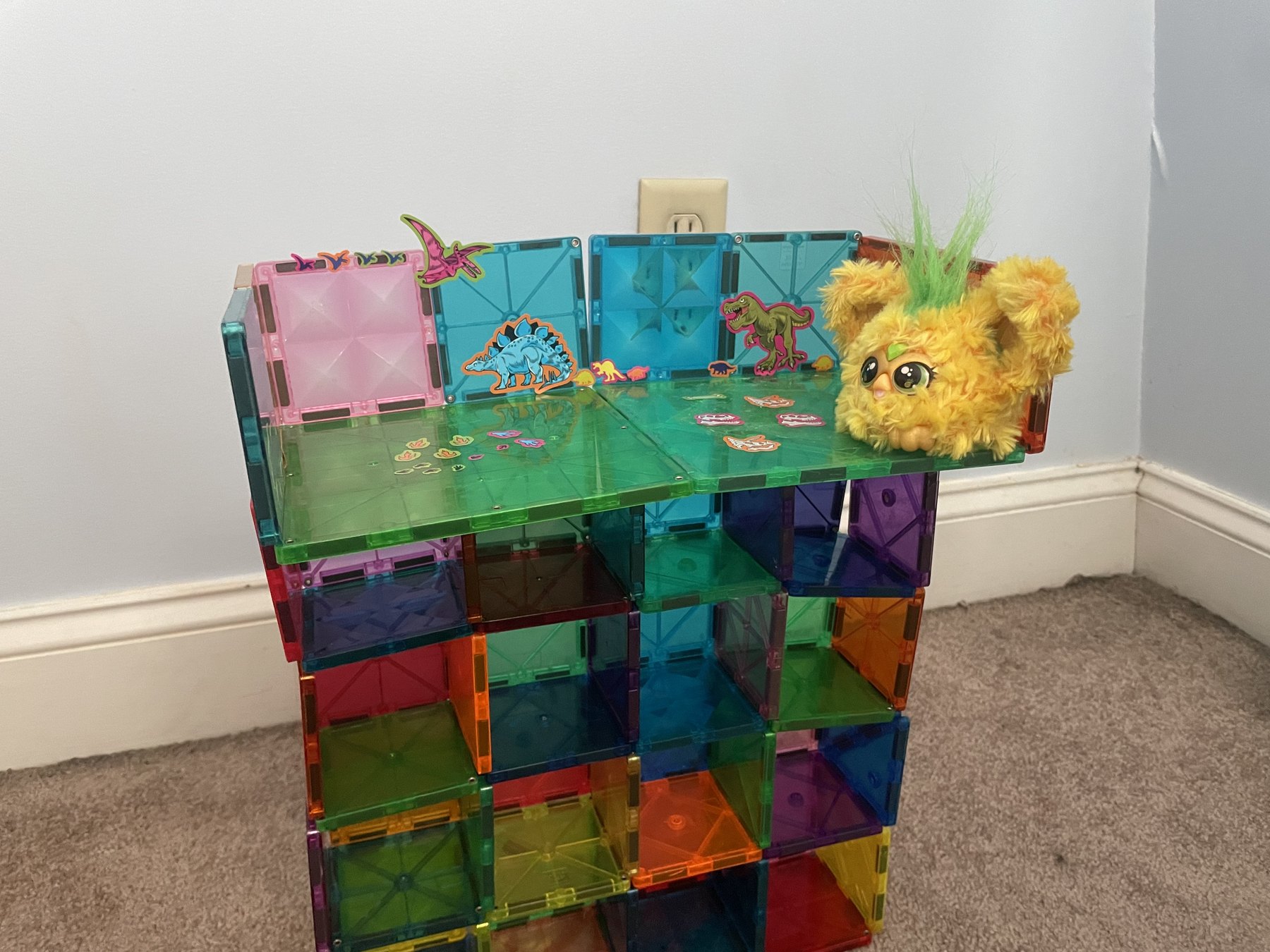
Whichever child is not getting your direct attention needs something more specific than “go find something to do.” Open-ended waiting is where school supplies become household confetti and a ten-minute lesson turns into a sibling crisis.
A good waiting task is familiar, finite, and easy to restart. The child knows what finished looks like and what to do if the work becomes confusing.
- Good waiting work: familiar handwriting or phonics, independent reading, a known app, a previously taught page, a recorded lesson, or one-container hands-on work.
- Poor waiting work: a new concept, an open craft project, an assignment that requires adult reading, loose materials, or a first attempt at independent work.
The child waiting for you needs fewer decision points, not a bigger pile of work.
Protect live classes from the rest of the house
A headset helps, but it does not stop a sibling from dancing behind the camera, asking for the glue, or announcing something urgent that is not urgent. Protect the class with a repeatable before, during, and after routine.
- Turn screens away from the sibling who is most likely to perform for the camera.
- Use a stable tabletop divider only when visual distraction is the actual problem.
- Teach three categories: emergency now, mark-and-save question, and everything else waits.
- Give each headset, charger, and class pouch one labeled address.
Treat movement breaks as part of school, not an escape from it
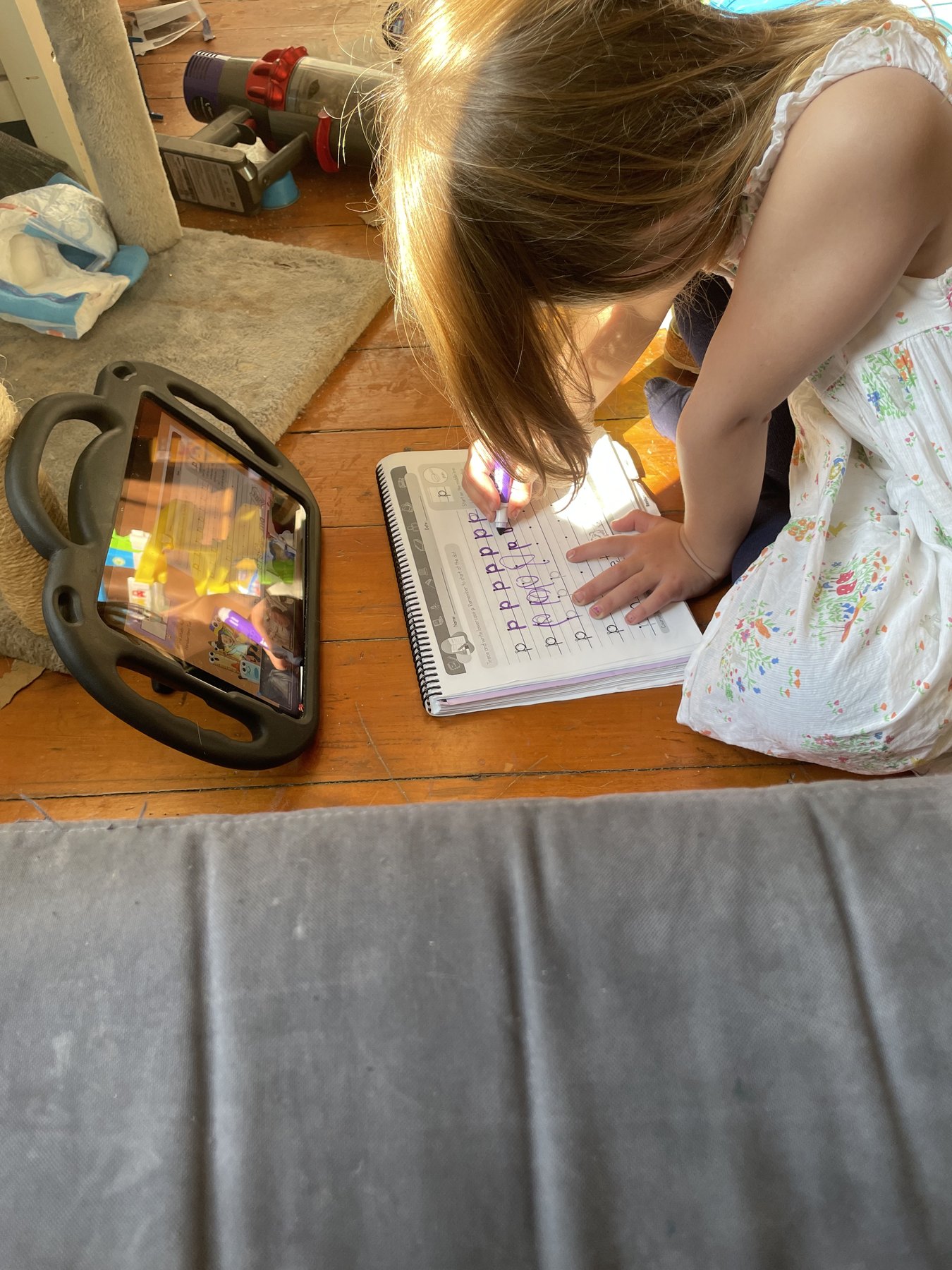
Young children are not meant to sit through a miniature office day. Cyber-school movement breaks may look like dancing with a class, following a movement video, going outside, carrying laundry upstairs, or racing the timer through a quick obstacle course. Put the break on the visible schedule so the child knows movement is coming and when it ends.
A defined movement break can make the next seated block possible. An undefined break can quietly become the end of school. Use a timer, name the return task before the child gets up, and keep the next class materials ready.
Movement is not a reward for enduring school. For many primary-grade children, it is part of what makes learning possible.
Build one movable system around what the school sends
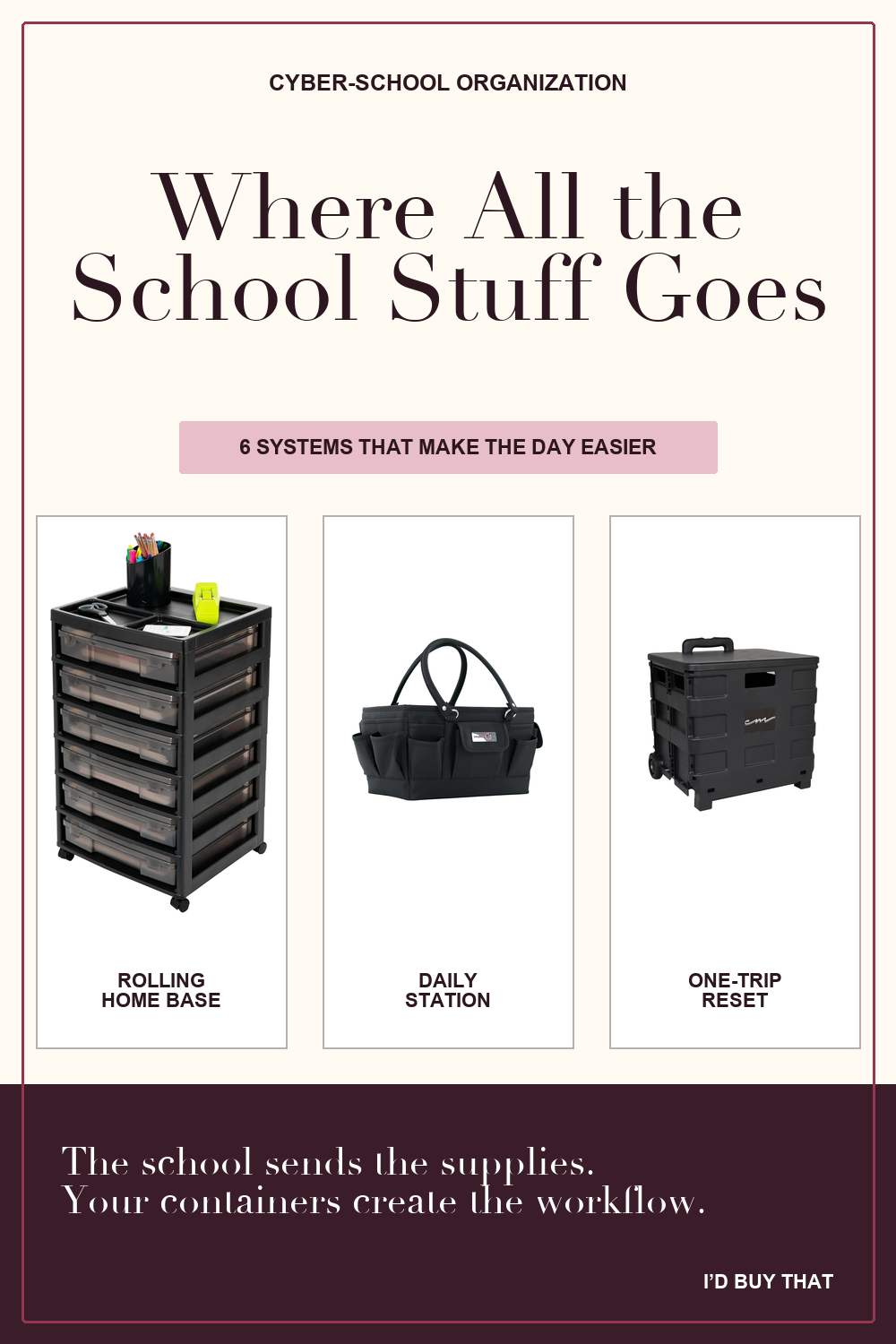
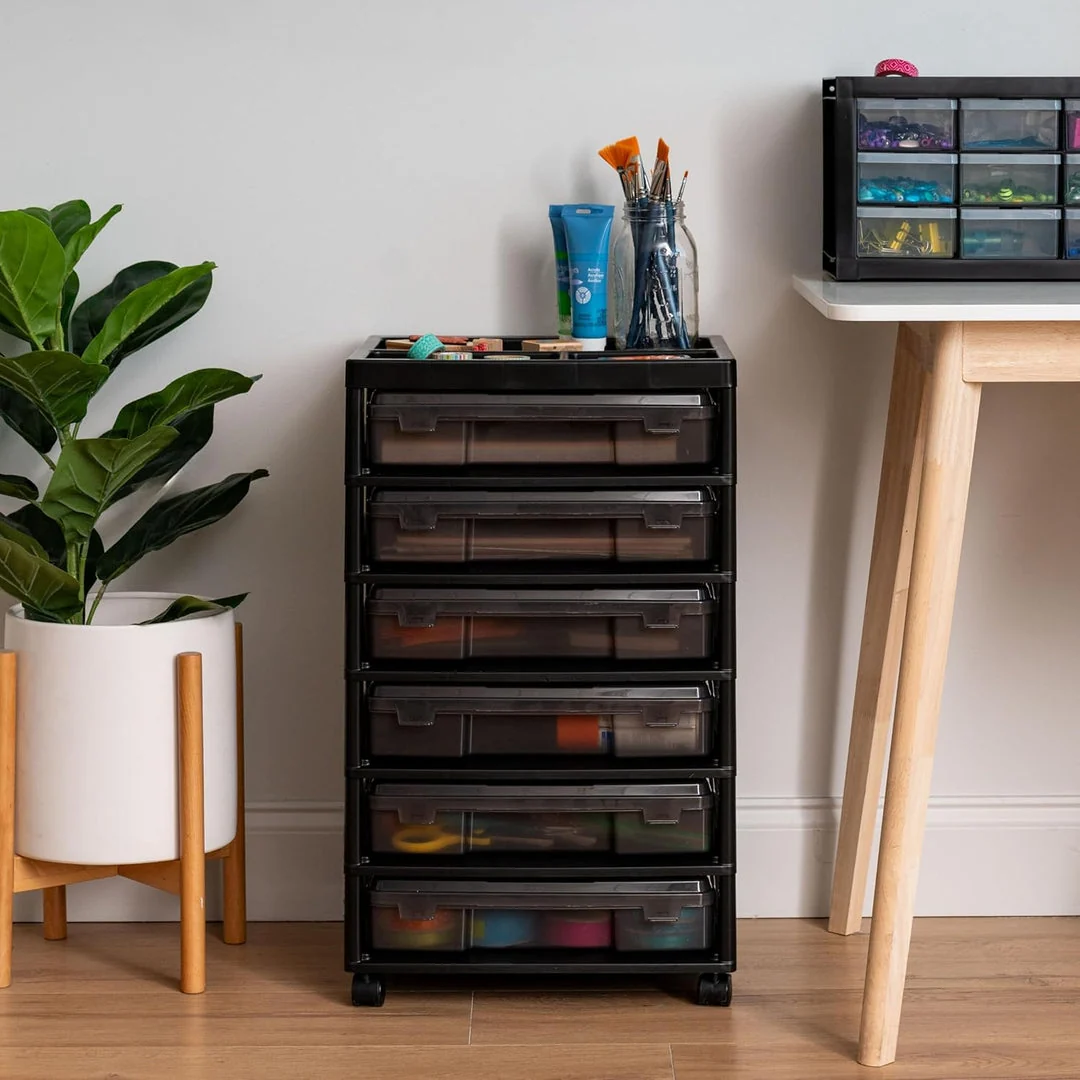
Cyber charter schools may send nearly every supply a child could need, including a wired headset. The problem is rarely owning enough school supplies. The problem is giving all of that stuff a workflow: one home base, one portable station per child, one closed case for each class, and a protected place for devices.
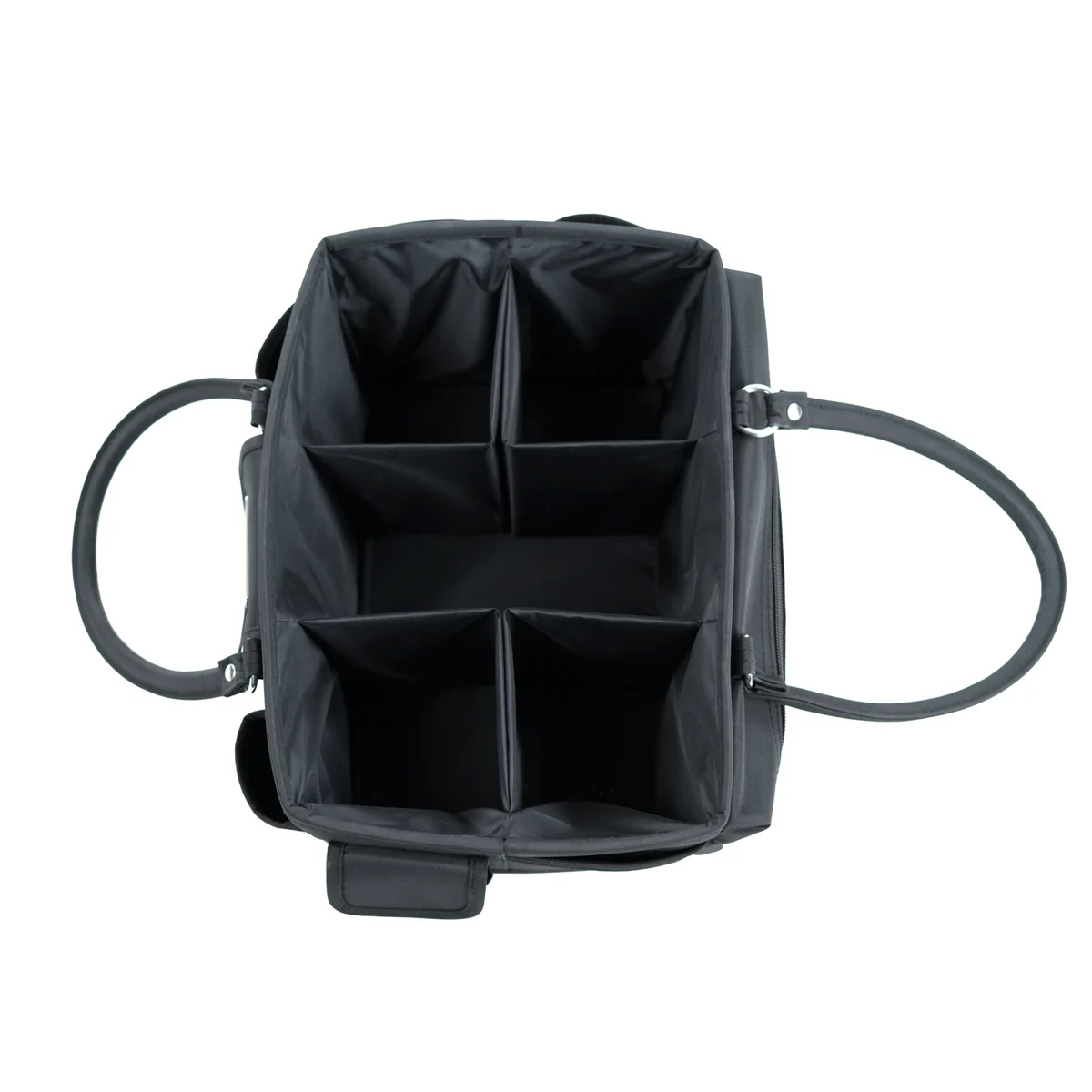
Build from the movement you need. A child should be able to take one handled basket or class case to the dining table, couch, separated desk, or quiet room without opening the entire school inventory. When the block ends, that one container closes and returns to the home base.
The school sends the program. Your containers create the boundaries: which child, which class, which station, and where it all goes back.
Name paper by what happens next
A label such as “paper” does not tell anyone what to do. Use destinations that carry the next instruction: Ready This Week, Working Now, Finished for Mom to Check, Submit or Return, and Archive or Project.
Give devices a protected dock
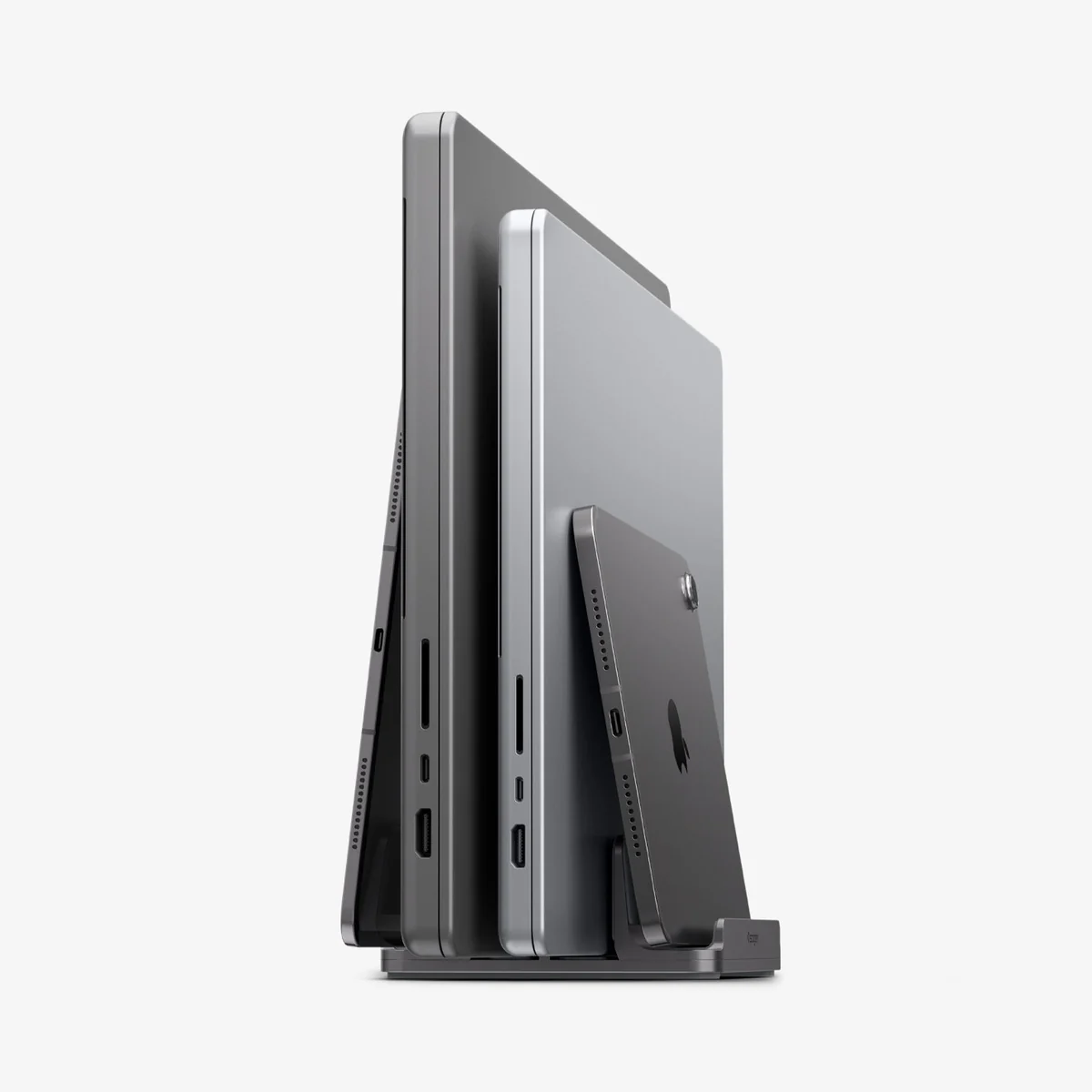
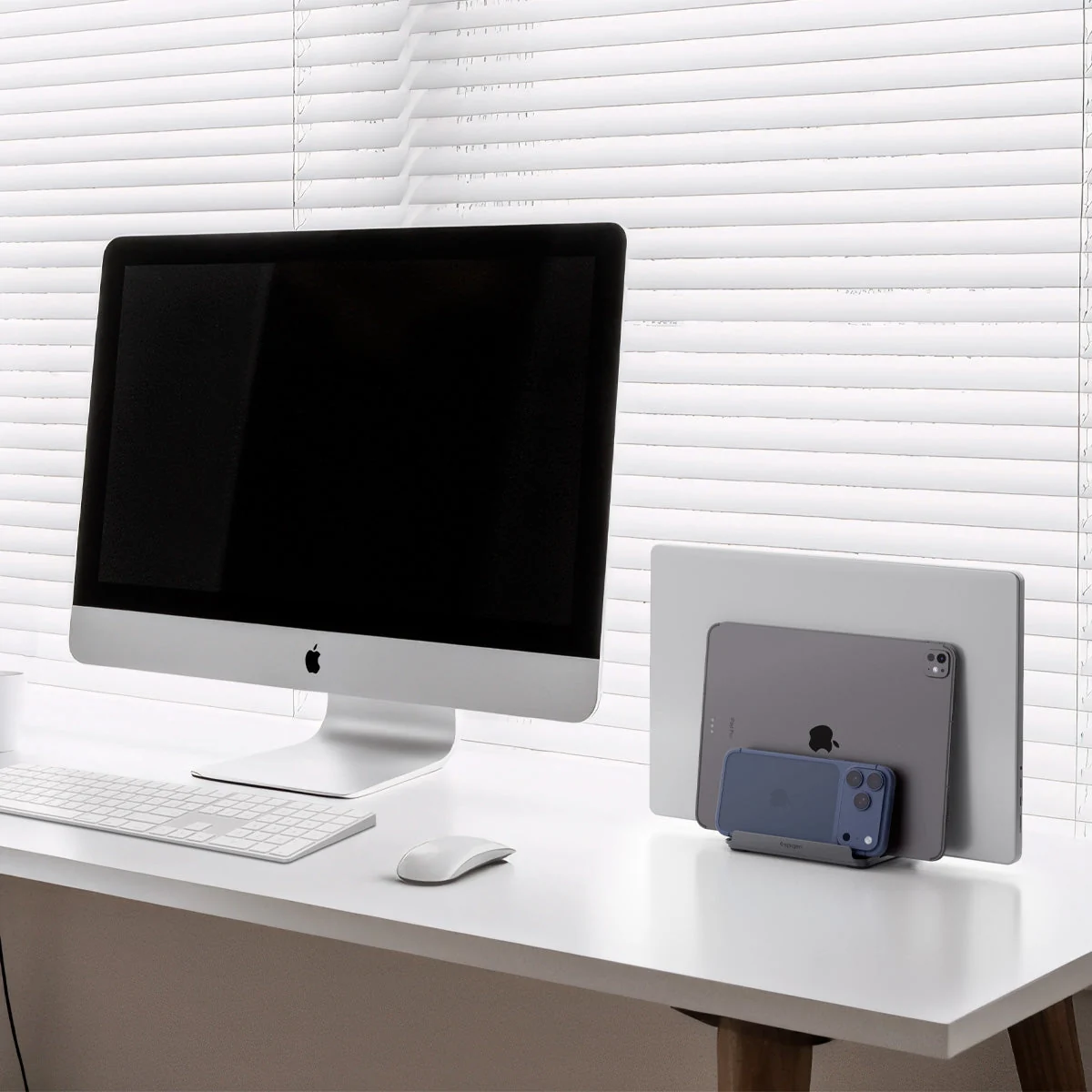
Put the laptops, school-provided headsets, and labeled cords in one place away from drinks and younger children. A vertical rack can separate devices without taking over the surface. Clip each charger to the dock so it cannot walk away with a tablet, and make returning the device the final picture on the child’s closing routine.
Let the class chart remember the next step
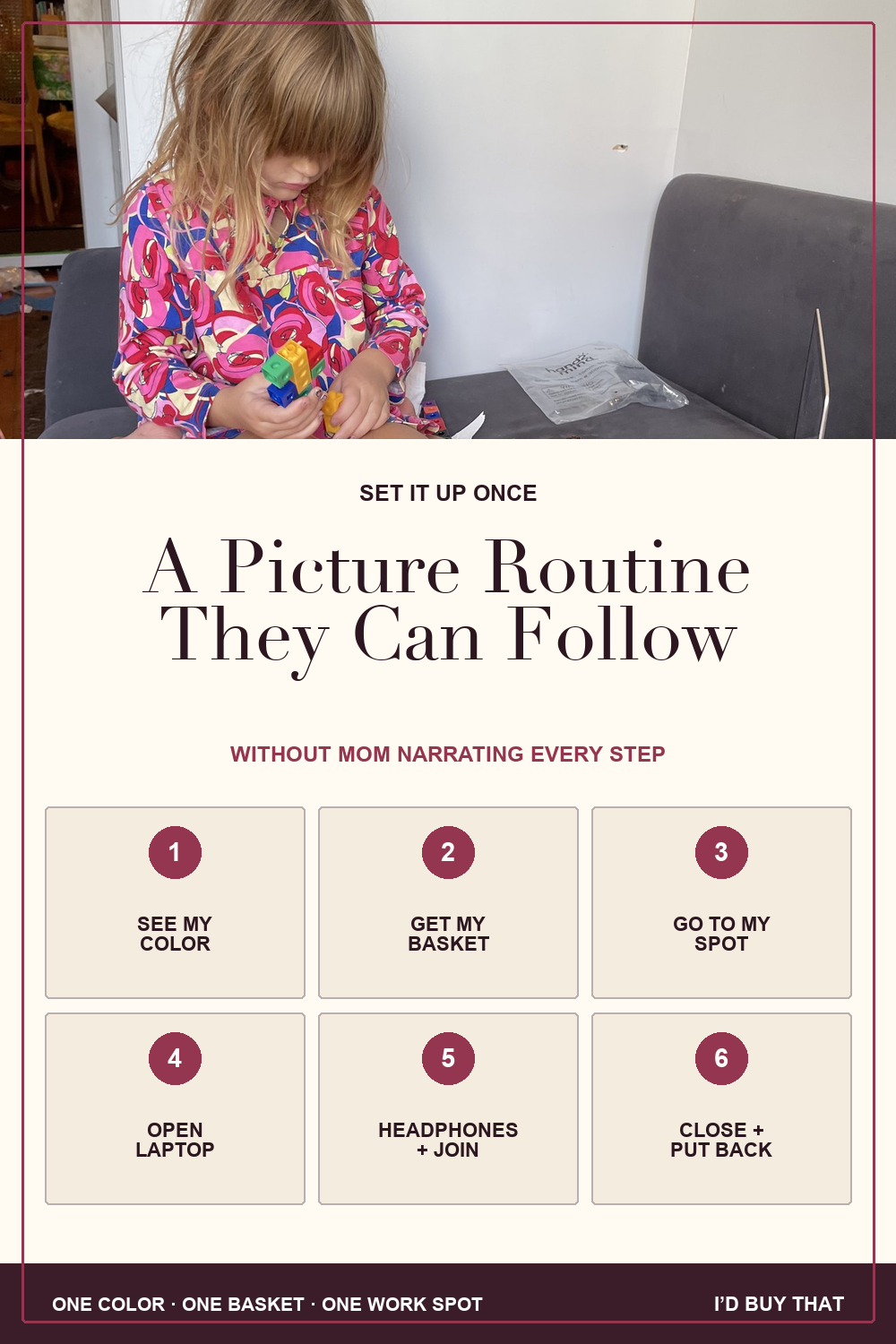
A primary-grade child should not need to read a planner or wait while you fill in another worksheet. Give each learner one color. Repeat it on the schedule, handled basket, class cases, and usual work spot. When the next block appears in that color, the child follows the same picture routine every time.
Set up the color system once, then laminate or display the routine. Change a class card only when the schedule changes. Mom should not be rewriting book pages, supply lists, links, and locations before every lesson.
When the load is unreasonable, talk to the school
Sometimes the house is not the problem. The assigned load is. My daughter S was in online classes from 8:00 to 3:00 with very little break. I talked to the school. Her specials were changed to self-study, and science and social studies were electives at that time that could be removed. That gave us room to focus on math, reading, and ELA.
Requirements vary by school, state, grade, enrollment arrangement, and a child’s IEP or 504 plan. Your school may not make the same changes. You can still ask what is required, what is elective, what can be asynchronous, what can become self-study time, and who can approve a different arrangement.
- Which sessions and instructional hours are required?
- Which courses are electives at this grade level?
- Can a live class be completed asynchronously?
- Can a special be changed to self-study time?
- Can overlapping sessions be moved?
- Can we reduce, rearrange, or prioritize the core load?
- Would an accommodation allow another way to demonstrate the work?
- Who approves the change, and how should I document the request?
“I am the learning coach for multiple primary-grade learners at different ability levels. Their current schedules require direct adult help at the same time and are stretching instruction across the entire day. I want to protect their core learning and meet the program’s actual requirements. Can we review what is required, elective, asynchronous, replaceable with self-study time, or changeable through accommodations?”
Use products to solve named labor, not decorate school
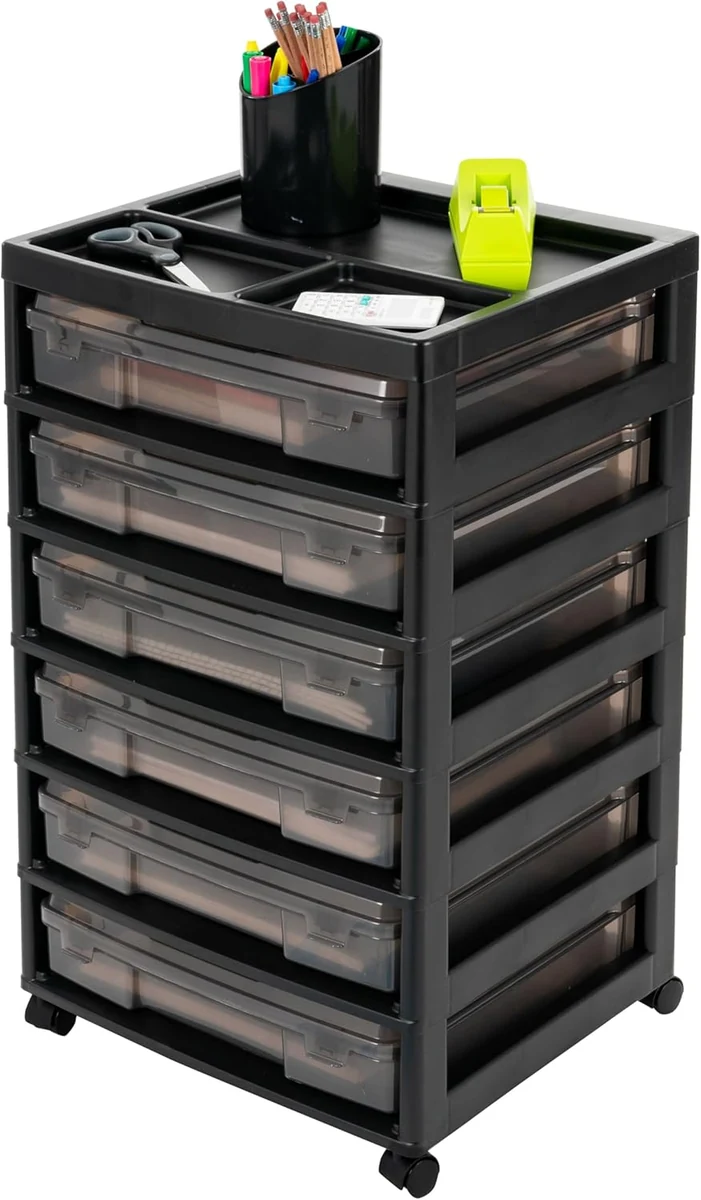
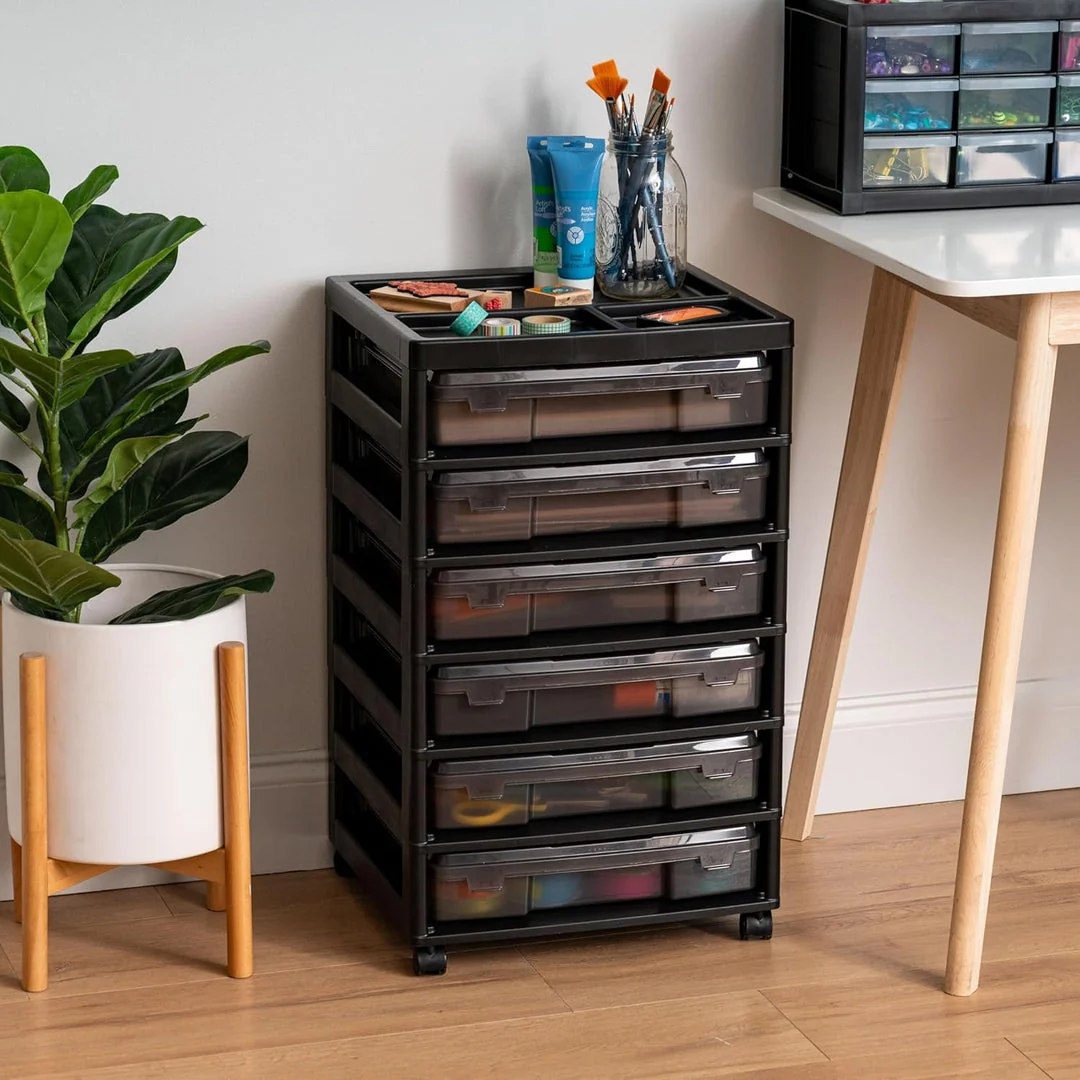
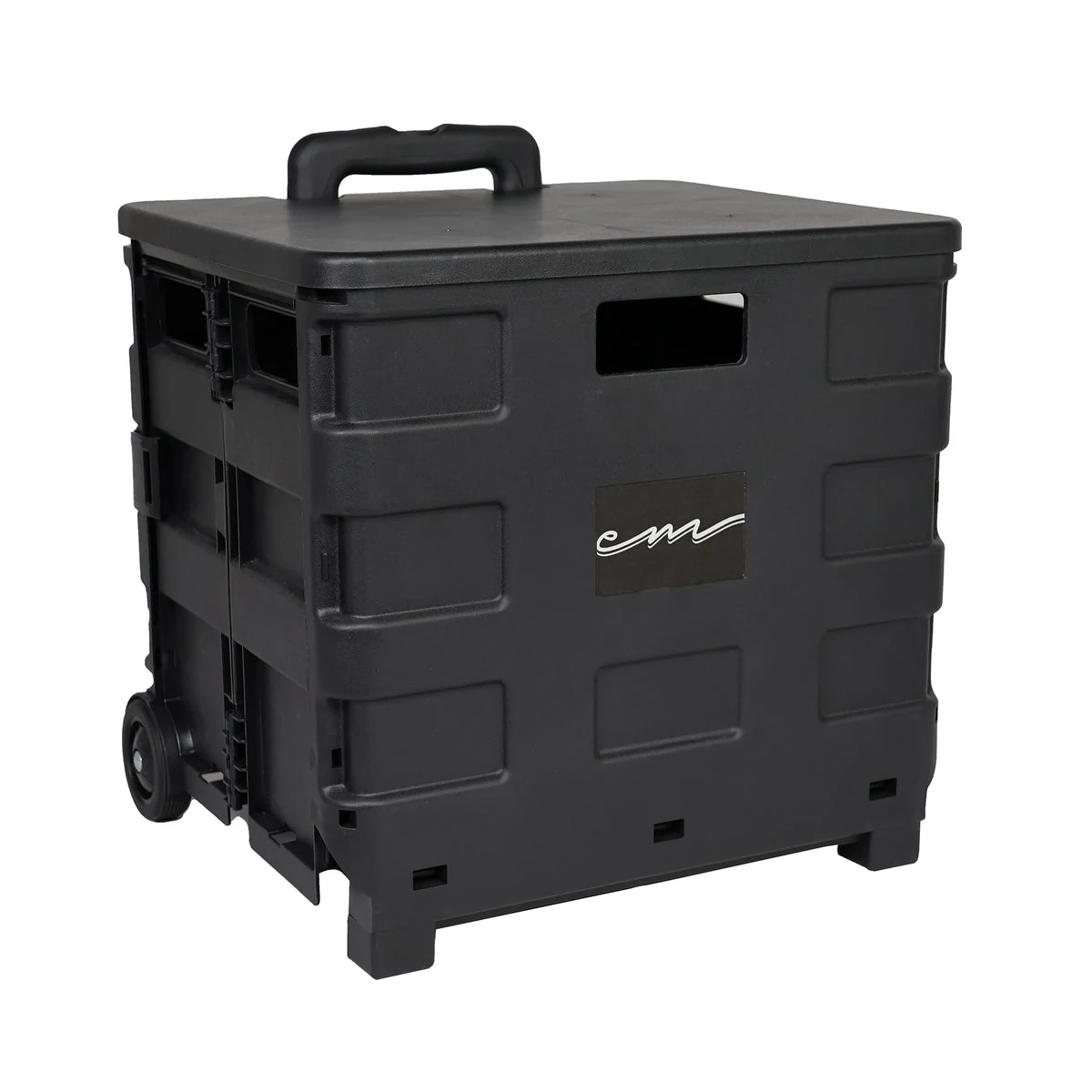
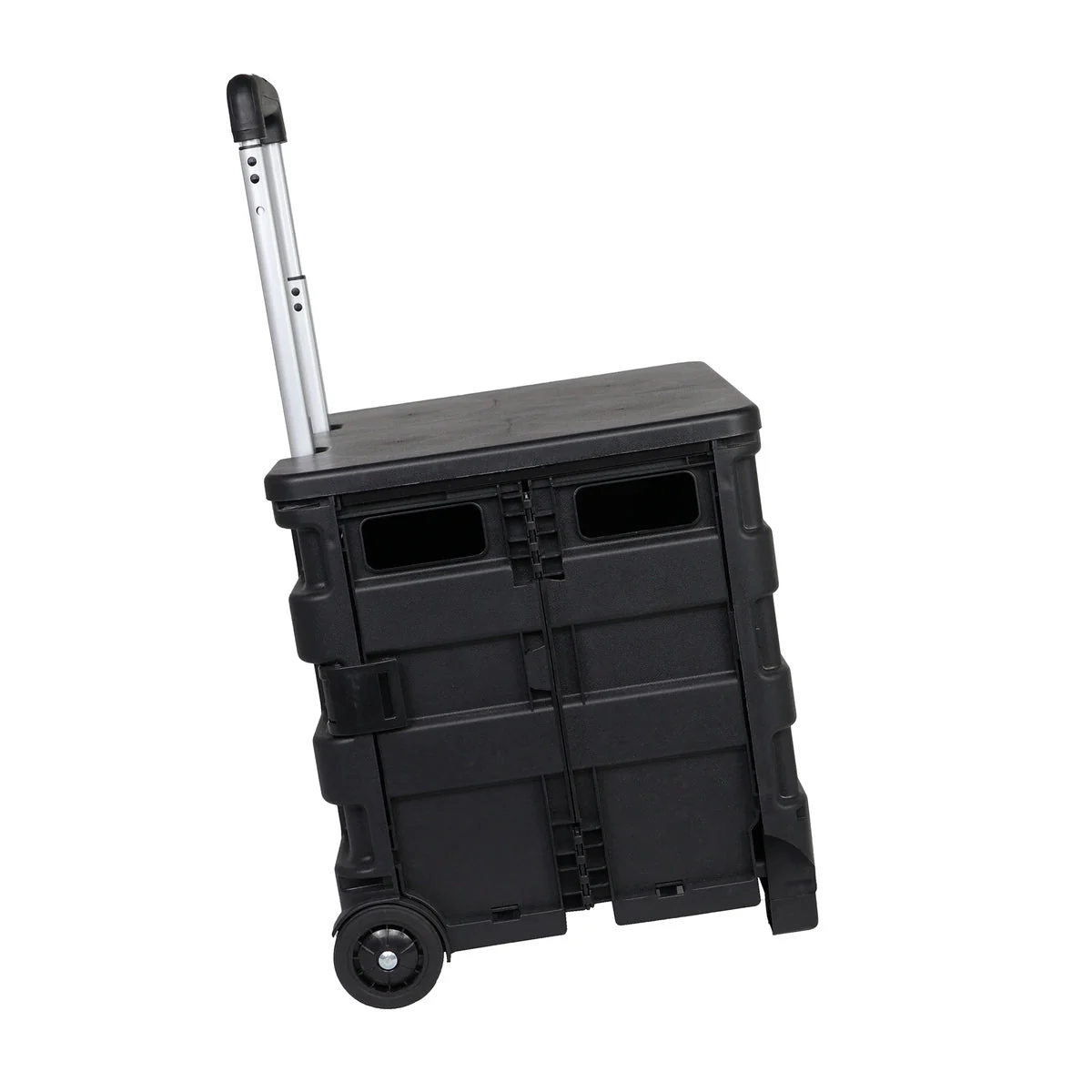
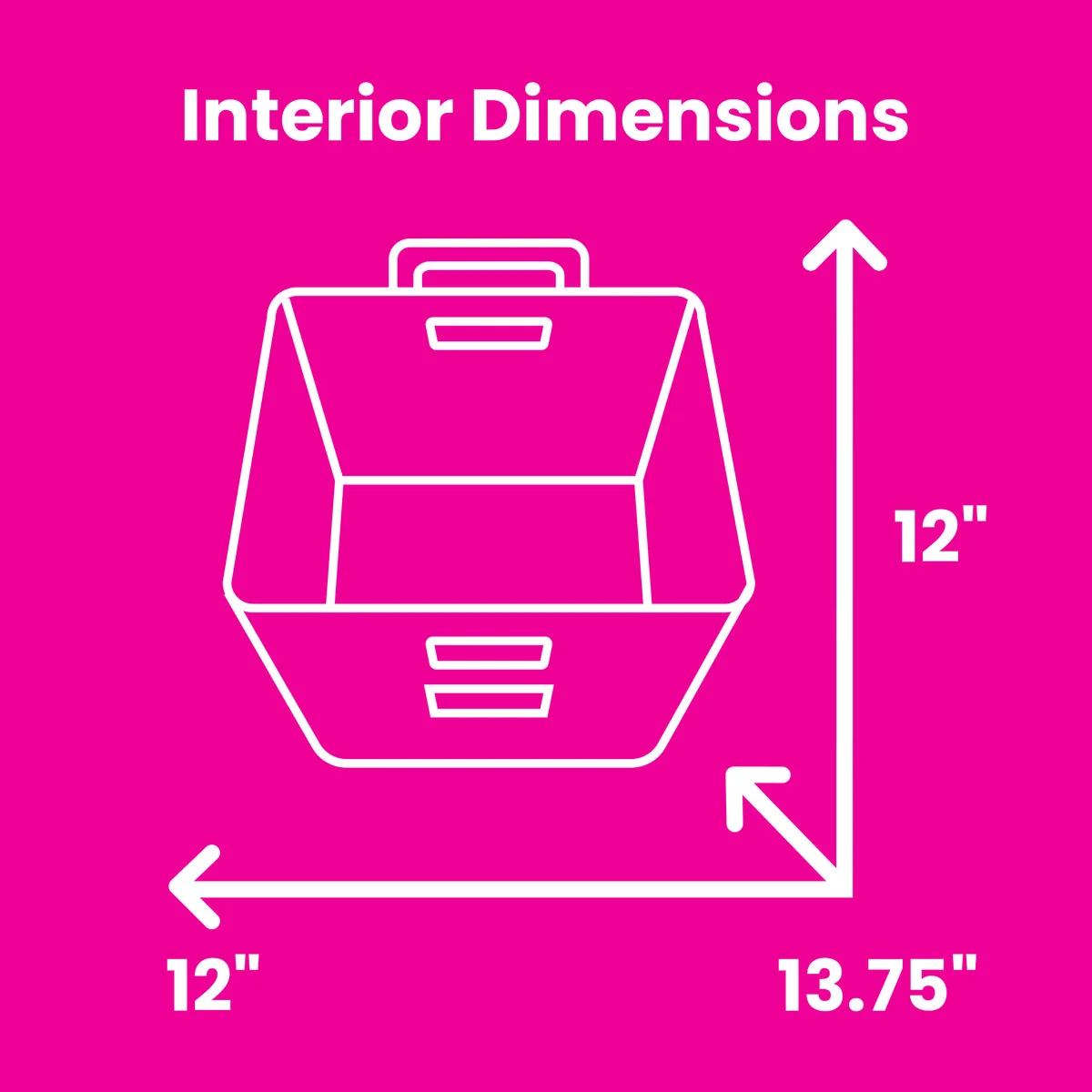
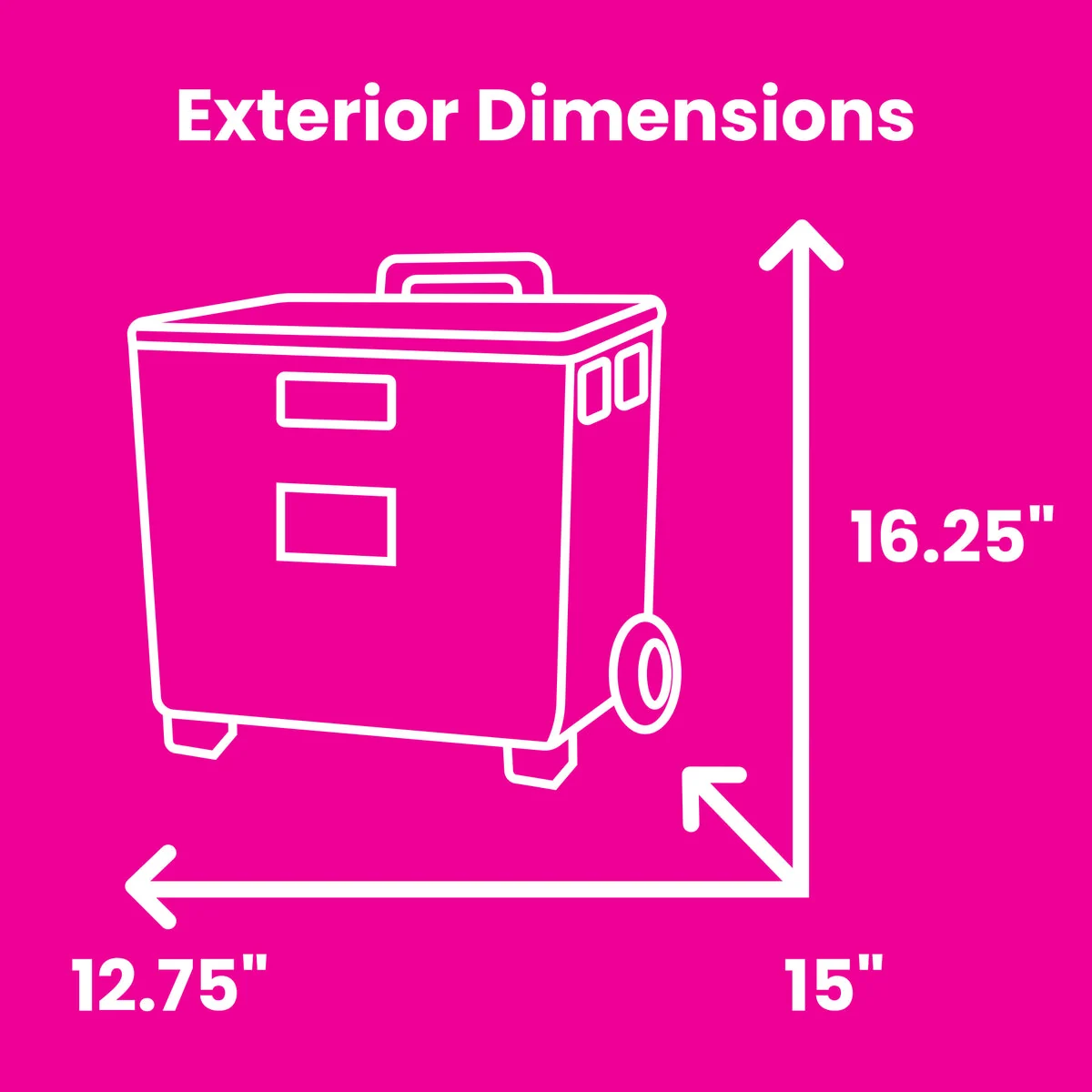
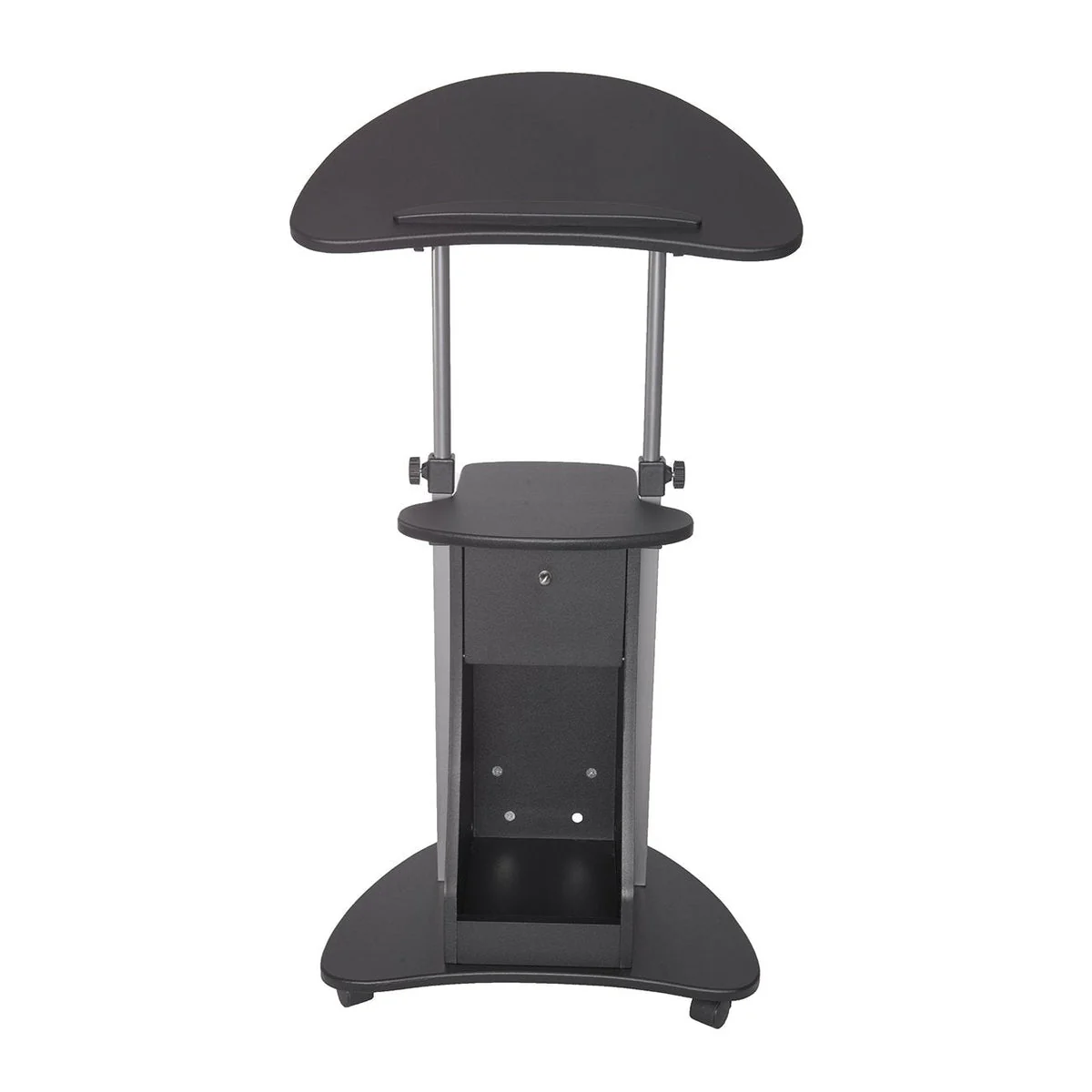
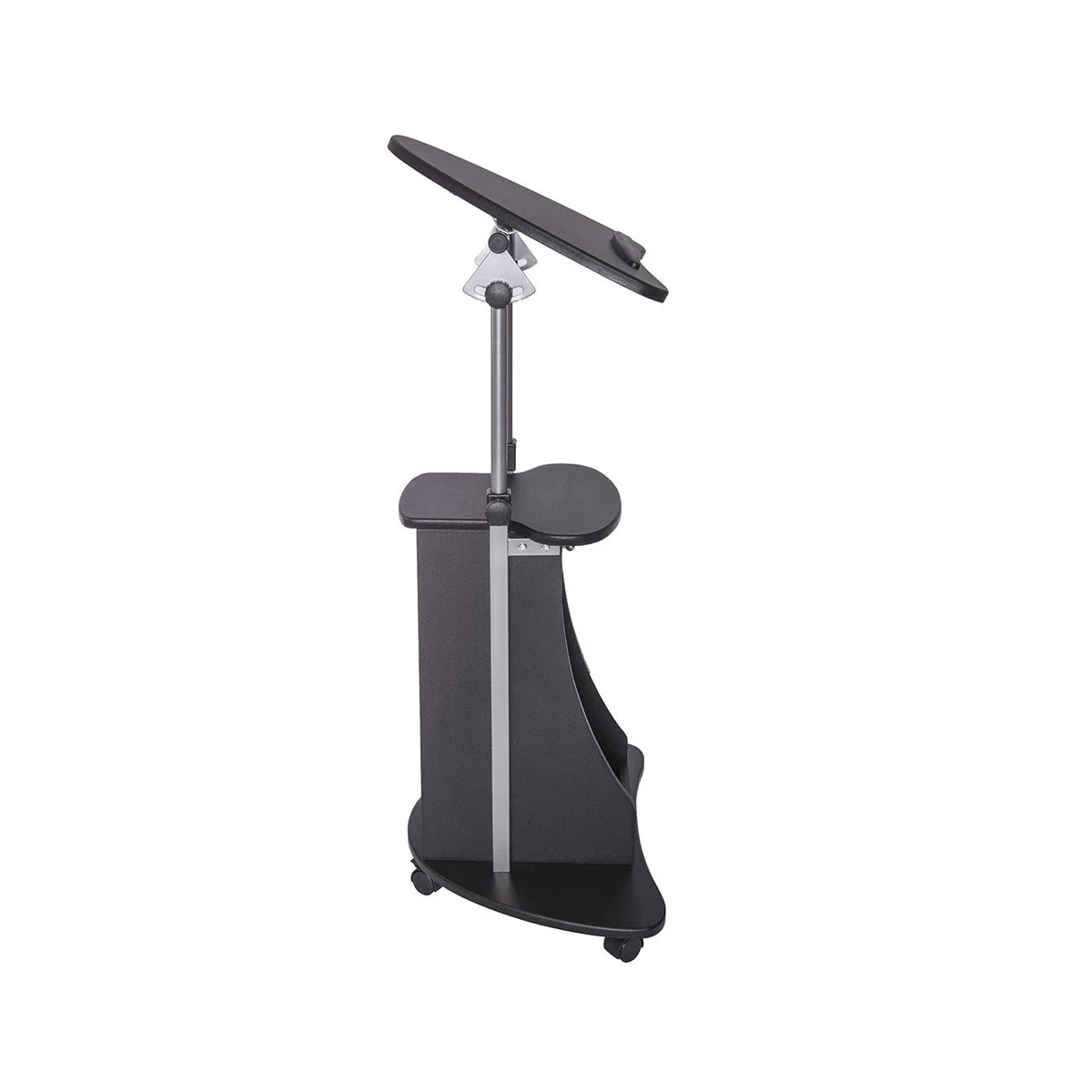
A rolling cart is useful if it is the home base for handled class cases or if school must leave the dining room every afternoon. It is not useful if it becomes a tall open pile. A handled basket is useful when one child moves between stations. A privacy divider is useful if seeing a sibling destroys concentration. Let the first two weeks show you which movement, access, or protection problem repeats before choosing the container.
- Buy a visual timer when children repeatedly ask when you will be available.
- Use the wired headset the school sends before buying another one.
- Buy one handled basket per child when school needs to move between work spots.
- Buy latched class cases when books, papers, and project pieces repeatedly separate.
- Buy a rolling home base when the full shipment needs to move or disappear after school.
- Buy a protected device rack and cord clips when laptops and chargers wake up in different rooms.
- Buy a lidded box when projects need to survive younger siblings, pets, or family meals.
Close school every day, then reset it once a week
Daily closing should be short enough that the children can do most of it. Weekly resetting is where you refill, preview, and prevent Monday morning surprises. Keeping those jobs separate stops you from performing a full inventory after every lesson.
Your part at the end of an ordinary day can be a glance at tomorrow, moving finished paper, plugging in anything the children missed, and setting out one unusual item. The system does not need a perfect reset. It needs to make the next start easier than the last one.
Cyber school should have a closing time. Flexibility is not real if the program consumes the whole household from breakfast through dinner.
The whole plan
Map who actually needs you, protect each learner’s waiting time while you give direct help elsewhere, give every class and device a visible home, and ask the school to change a load that still requires you to be in several places at once.
Paid links are marked where they appear. As an Amazon Associate I earn from qualifying purchases.
Save the idea
Five ways into a school day that works.
Save the part you need most: the complete setup, the product workflow, the dining-table reset, the supervision plan, or the child-followable picture routine.